8-20 clips
Podcasts and interviews
Find punchy answers, surprising turns, and standalone stories from long conversations.
Vyroclips — AI video clipping and social publishing
Vyroclips is a web app that turns your long videos into short clips with AI-selected highlights, captions, and vertical framing. Review your clips, connect your social accounts, and schedule them to publish to your selected YouTube channels, Facebook Pages, Instagram, or TikTok accounts.
Use Vyroclips to create clips from any type of content, including podcasts, interviews, livestreams, courses, webinars, tutorials, news, testimonials, and product demos.
Fast import, AI clip selection, captions, reframing, and Bulk Schedule to Post stay front and center.
Transform existing long videos into a large volume of new content in minutes. Vyroclips extracts highlights, teaching points, reactions, and opinions that can stand alone as short clips.
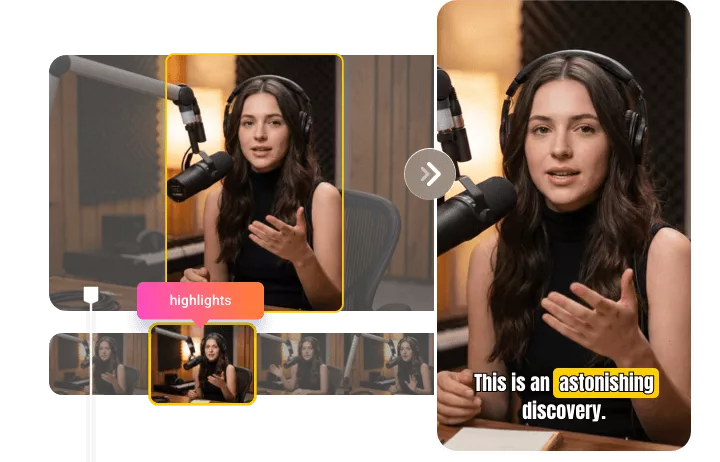
Automatically keep the active speaker centered. Vyroclips can handle solo clips, interviews, and multi-person layouts so the final frame feels built for Shorts, Reels, and TikTok.
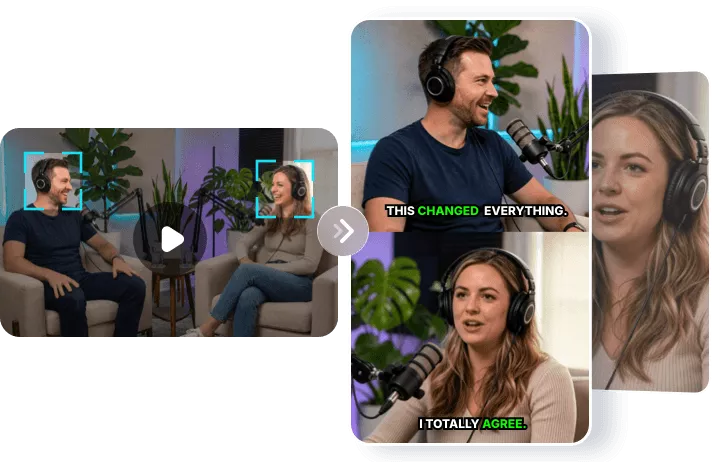
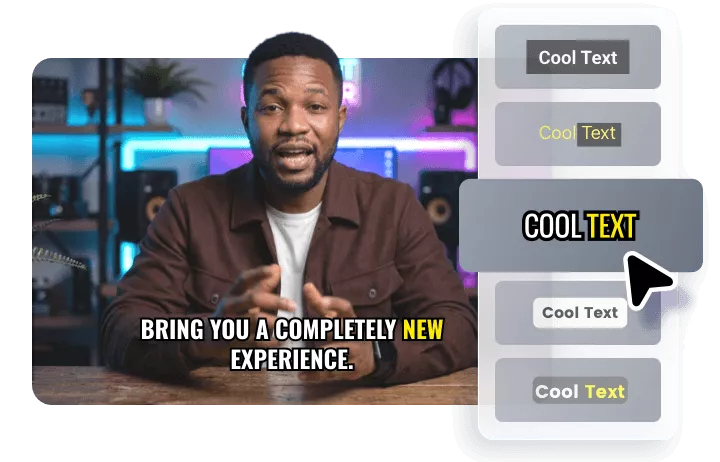
Generate accurate subtitles that sync with speech and keep viewers watching without sound. Use captioned exports for organic reach, clipping campaigns, and client delivery.
Skip repetitive uploading. Render polished clips, choose your connected social accounts, then schedule the whole batch to post one by one at your chosen frequency.
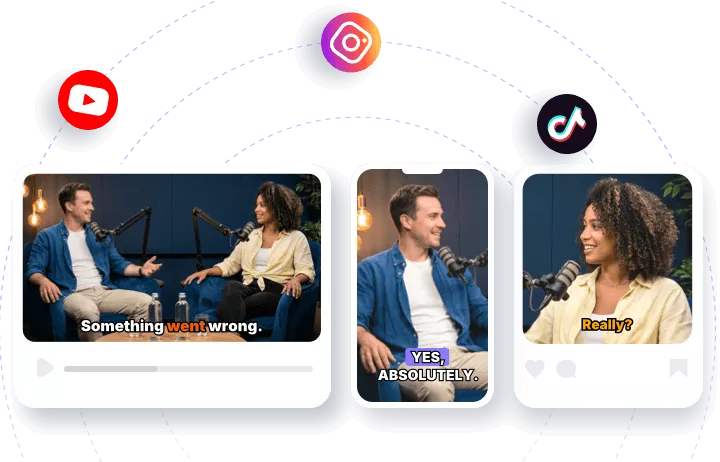
Turn one long video into a polished batch of short clips with Vyroclips, ready to review, customize, and publish across your favorite platforms.
Try free clipsPaste a YouTube link or upload MP4/MOV footage. Vyroclips prepares the file for transcription and analysis.
Every candidate clip is scored by hook strength, pacing, and standalone value so you can choose quickly.
Export clean vertical clips with captions, then bulk schedule the batch to post automatically.
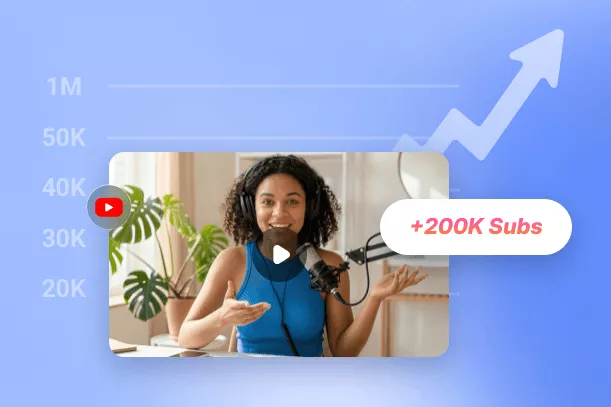
Paste a link, find the clips, then publish across Shorts, Reels, TikTok, and client channels. The workflow keeps long-form footage moving instead of sitting in an editor backlog.
Create shortsFind punchy answers, surprising turns, and standalone stories from long conversations.
Turn lessons, objections, and proof points into short education clips.
Create candidates for clipping briefs, review them, and publish the strongest ones faster.
Vyroclips keeps the homepage promise direct: more source minutes, fewer distractions, and pricing that makes repeated clipping affordable.
Vyroclips imports your video, transcribes it, finds strong moments, ranks clip candidates, and renders short-form videos with captions and vertical framing.
Yes. You can paste a YouTube URL or upload MP4 and MOV files directly.
Yes. Vyroclips generates captions and can burn them into the final clip for better retention and accessibility.
Yes, if you have permission to use the source footage and the campaign rules allow outside tools. Review every generated clip before posting.
Try the free preview, import one long video, and see how quickly Vyroclips turns the first 10 minutes into short-form clips you can review.
First 10 source minutes processed. One clip download. No card required.
YouTube connection is optional. When you connect, Vyroclips reads your channel name and ID to identify the publishing destination and uploads clips when you choose to publish or schedule them. You can disconnect a channel at any time.
Learn how we handle your data in our Privacy Policy and Terms of Service.